How to Set Up a New Airbnb Listing for Its First Booking in 30 Days Without Paying for a Pro Photo Shoot
A first-30-days plan for new Airbnb hosts with no bookings: confirm you're live, finish the listing, get photos launch-ready, price for zero reviews and wait wisely.
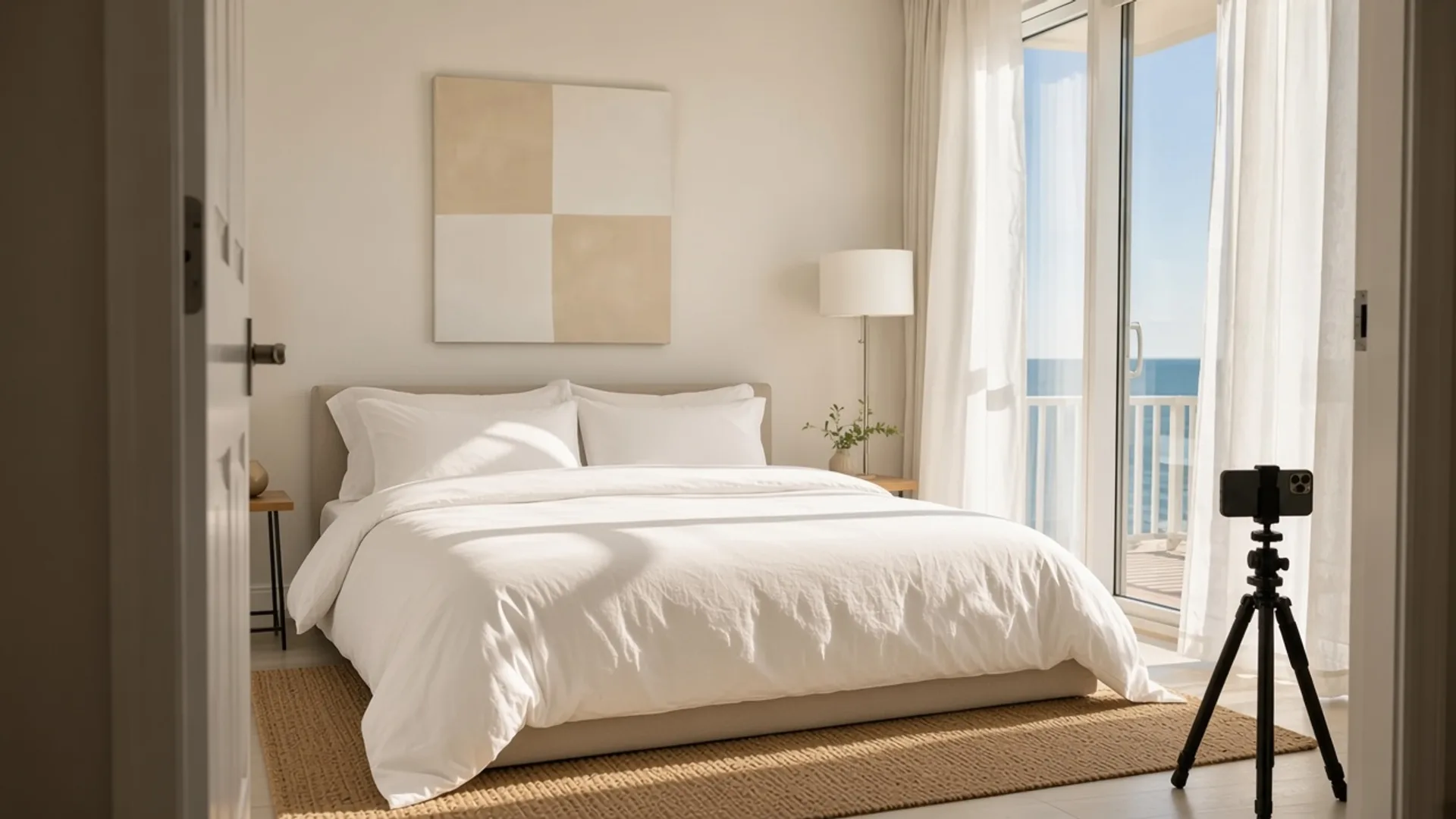
The first weeks of a new listing are strangely quiet. You've bought the linens, set the price, hit publish, and then nothing happens. One new host summed it up in the Airbnb Community Center after several weeks live with no booking: "I’m starting to feel frustrated because I don’t understand what I may be doing wrong." (thread)
That feeling is common, and it shows up in every language. A new host posting in Portuguese in October 2026 wrote: "Sinto que está bem "parado" e gostaria que tivesse mais reservas" (roughly: "I feel like it's really 'stalled' and I'd like more bookings"). (thread)
This is a 30-day plan for that stage: the weeks before and right after launch, when you have zero reviews and every guest is taking a chance on you. It won't promise a booking by a certain date. Nobody honest can. What it does is make sure nothing obvious is standing in the way, in the order experienced hosts usually check.
Week 0: Before you publish (or right now, if you already have)
Check that guests can actually see your listing
Before you change anything, confirm the listing works from the guest side. Open a private browser window, log out, and search your town with real dates and a realistic guest count.
This sounds basic, but it catches real problems. In one thread about a new listing with no bookings after a full month, a reply found that the listing link on the host's profile was blank and showed an error. (thread) If your listing doesn't appear, or the page looks broken from a logged-out view, contact Airbnb Support before you rewrite a word.
If the visibility question is what's keeping you up at night, our guide to Airbnb algorithm anxiety covers what you can and can't control. A quiet start is not, by itself, proof the place is the problem. Your Airbnb May Not Be Broken is the longer version of that distinction.
Finish every part of the listing
New listings often go live half-finished. Then hosts wonder why nobody books. When a first-time host asked why bookings were slow, one reply pointed out that the listing has several pages of space to fill: "A simple paragraph doesn't tell a potential Guest why your rental is the perfect choice". (thread)
Before launch, go through this list:
- Amenities: tick everything you actually provide, including the essentials (towels, sheets, soap, toilet paper, Wi-Fi). Guests filter by amenities, and a missing tick can hide you from a search.
- Sleeping arrangements: every bed, in every room, with the right size.
- Map pin: check it's on your building, not the middle of the street.
- Description: say who the place is for and why it's the right choice, not just how many beds it has.
- Host profile: a clear photo of you and a few lines about how you host.
- Only what's ready: if part of the house isn't finished, leave it out. A reply in a BiggerPockets thread about phasing a renovation put it simply: "photograph and describe only what guests can actually use". (thread)
Get the space photo-ready before anyone picks up a camera
A host preparing to list for the first time asked the Community Center for help in October 2026: "Need to know that my ambiance is good for the 1st booking". (thread) The replies didn't start with décor. They started with good, clear photos of a space that's clean, cozy and well lit.
Run this pre-shoot checklist, room by room:
- Clear every counter, nightstand and bathroom shelf down to two or three items.
- Open all blinds and turn on every lamp and overhead light.
- Make beds tight, with pillows plumped and throws folded.
- Hide cords, bins, cleaning supplies, toiletries and personal photos.
- Plan to photograph every room guests will use, including every bathroom.
- Shoot during the brightest part of the day for that side of the house.
Shoot landscape, and lead with your best five
When a new host in Orlando asked how to attract bookings during convention and Halloween season, one of the first concrete notes was about orientation: "I notice there are a lot of portrait-oriented photos." (thread) Hold your phone sideways. Landscape photos show more of each room and fill the frame in search results.
Then put your strongest five photos first: the main living area, the best bedroom, the standout feature and the outside or view. We cover how to choose and order them in the first five Airbnb photos and Airbnb cover photo order.
You don't need a professional shoot to launch. Phone photos taken in a clean, bright, landscape-oriented room are a solid start. If some shots come out dim or yellow, it's worth fixing that before the listing goes live. You can reshoot on a brighter day, or brighten your existing photos with an editor or a photo enhancer. Keep edits honest: brighter, not different. Why it matters is in dark Airbnb photos make spaces look cheap.
One caution. Photos aren't a magic switch. The Orlando host said professional photos were on the way, and the replies still pointed to the title, pricing and availability as well. Treat photos as the first box to tick, not the only one.
Week 1: Price and promote for zero reviews
Use Airbnb's new listing promotion, and know its rules
A brand-new listing with no reviews is asking guests to take a risk. Airbnb's own pricing guidance says, "Starting with a lower price can help you attract your first guests and reviews." (Airbnb Resource Center)
The simplest tool is the new listing promotion. Airbnb's Help Center describes it as an option that lets you "offer a 20% discount on your first 3 bookings" on a new listing. (Airbnb Help, article 3421) A few things to know before you turn it on:
- Eligibility: Airbnb's new listing promotion page says a listing needs fewer than 3 bookings and Smart Pricing turned off.
- No stacking: Airbnb says only one of its main discounts and promotions applies per reservation, so the promotion won't pile on top of, say, a last-minute discount. (Airbnb notes the top-rated guest discount can combine with it.)
- It ends on its own after the promotion's bookings are used.
- Airbnb's own figures: Airbnb says new listings published in 2025 with the promotion saw more than 70% more bookings over their first three months than listings without it. That's Airbnb's claim about its own feature, not an independent study.
You'll also see hosts in the Community Center describe a temporary search lift for new listings. One reply put it this way: "This “new listing boost” is designed to help you get your first few bookings and reviews." (thread) That's a host's description, not an Airbnb rule, and nobody outside Airbnb knows exactly how long any lift lasts. The practical takeaway is the same either way: launch with your finished photos and complete listing, not a rough version you plan to fix next month.
Don't stack discount on discount
A promotion is a tool, not a strategy. An Italian host with three listings described two years of trying to fix slow bookings: "ho cercato di capire come perfezionare annuncio, prezzi, troppi sconti Senza però ottenere risultati" (roughly: "I tried to figure out how to perfect the listing, prices, too many discounts, without getting results"). (thread)
If you've already discounted and nothing changed, more discount usually isn't the answer. The next section is.
Compare yourself against the listings guests actually see
One reply to a new host with a month of silence gave a clean checklist: "compare your price, first photo, title, reviews, and minimum nights with similar listings nearby." (thread)
Search your area as a guest with your dates and guest count. Pick three to five listings of the same size near your price. Then put them side by side with yours:
| Check | Yours | Competitors |
|---|---|---|
| Total price for the same dates | ||
| Cover photo | ||
| Title | ||
| Reviews | 0 | |
| Minimum nights |
If they're the same price with ten reviews each and brighter photos, you know where you're losing the click. You have no reviews yet, so you either beat them on presentation or on price, ideally both for the first few stays.
Weeks 2 to 3: Open the right dates and listen to the numbers
Launching in low season? Open the dates that are easiest to book
Many new hosts launch in autumn, just as demand drops. A first-time owner in Hampstead, North Carolina, opening a furnished rental in mid-October asked BiggerPockets whether to go short-term or mid-term. One reply framed the low-season goal well: "you might get weekend bookings and start building reviews that will help you for the peak season." (thread)
For a low-season launch:
- Open weekends and local event dates first. In the Orlando thread, replies suggested a one- or two-night minimum for convention dates and naming the distance to the convention centre or parks in the title.
- Keep minimum stays short until you have a few reviews, so you can catch the short trips that are still happening.
- Think reviews, not revenue. In the off-season, three five-star stays can be worth more to your listing than one long, full-price booking.
Read your clicks before you change anything
If you have some views but no bookings, find out where people drop off. A reply to a host whose early bookings dried up started here: "Click rate first: if lots of people see your listing but few click in" (thread). If that describes you, the likely suspects are what guests see in search: your cover photo, title and price. If people click but don't book, look at the listing page itself. Our guide to Airbnb views but no bookings walks through both cases.
Booking on other sites but not Airbnb? Run a parity check
Some new Airbnb listings aren't new properties at all. In an October 2026 thread written in Greek, a host with no Airbnb bookings said the same place had been on Booking.com for a year with normal bookings there and on Agoda: "το έχω 1 χρόνο στο booking έχω κρατήσεις κανονικά και στο Agoda". (thread)
Replies suggested searching as a guest with real dates and comparing the total price shown on each platform. If you're on more than one site, check three things:
- Total price: compare the final amount a guest pays for the same dates on each site, fees included, not just the nightly rate.
- Availability: if another platform fills most of your calendar, Airbnb may have very few open dates to show. Some hosts believe thin availability hurts their Airbnb visibility. That's a host theory, not a confirmed rule, but it's worth knowing which dates are actually open.
- Photos and title: make sure your Airbnb listing isn't running an older or weaker set than your other channels.
Week 4 and beyond: Give it time, and change one thing at a time
The hardest part of a new listing is waiting. A host on BiggerPockets describing a first short-term rental running under projections got a reply that applies to almost every new host: "It takes time to build up reviews and look trustworthy." (thread) Replies in that thread suggested judging performance over about 90 days, and some said a listing takes around ten reviews to settle. Those are experienced hosts' rules of thumb, not guarantees, but they're a healthier yardstick than week two.
Here's how to use the waiting time well:
- Make one change, then wait. If you swap the cover photo, retitle and cut price on the same day, you'll never know which one worked. Why randomly tweaking your Airbnb listing backfires goes deeper.
- Track two numbers weekly: nights booked and average nightly rate. Projection tools are a starting estimate, not a promise for month one.
- Ask for reviews the right way. Give your first guests a great stay, communicate clearly, and send a short thank-you after checkout. Never offer refunds, gifts or discounts in exchange for a review.
- When you're ready for a full self-audit, our Airbnb listing critique checklist walks through every part of the listing in about 20 minutes.
Your first-30-days checklist
- Confirm the listing appears in a logged-out guest search with real dates.
- Complete amenities, essentials, sleeping arrangements, map pin, description and host profile.
- Prep every room (clear, bright, beds made) before shooting.
- Shoot landscape, cover every room guests use, and lead with your best five photos.
- Fix any dim or yellow photos before launch.
- Turn on the new listing promotion if you're eligible, and don't stack extra discounts.
- Compare total price, cover photo, title and minimum nights with three to five nearby listings.
- In low season, open weekends and event dates first, with short minimum stays.
- If you're on other platforms, compare the total guest price and open dates on each.
- Change one thing at a time, track booked nights and rate weekly, and judge results over months, not days.
FAQ
How long does it take to get a first booking on a new Airbnb listing?
There's no fixed timeline. It depends on your market, season, price and how complete the listing is. Experienced hosts on BiggerPockets suggest judging a new listing over roughly 90 days rather than the first few weeks.
Should I use Airbnb's 20% new listing promotion?
For most new hosts, it's worth testing. Airbnb says it applies a 20% discount to your first three bookings on eligible listings, and it doesn't stack with most other discounts. Check the current terms in your calendar's discount settings.
Do I need professional photos to launch?
No. Clean, bright, landscape phone photos of every room are enough to launch. If some come out dark, brighten them honestly or reshoot those rooms on a sunny day. Upgrade to a professional shoot later if your numbers say photos are holding you back.
Why does my listing get bookings on Booking.com but not Airbnb?
Compare the total price a guest pays and the open dates on each platform first. Differences in fees, availability or photos between channels are common, easy-to-miss reasons.
Published October 18, 2026 / 11 min
Related Reading
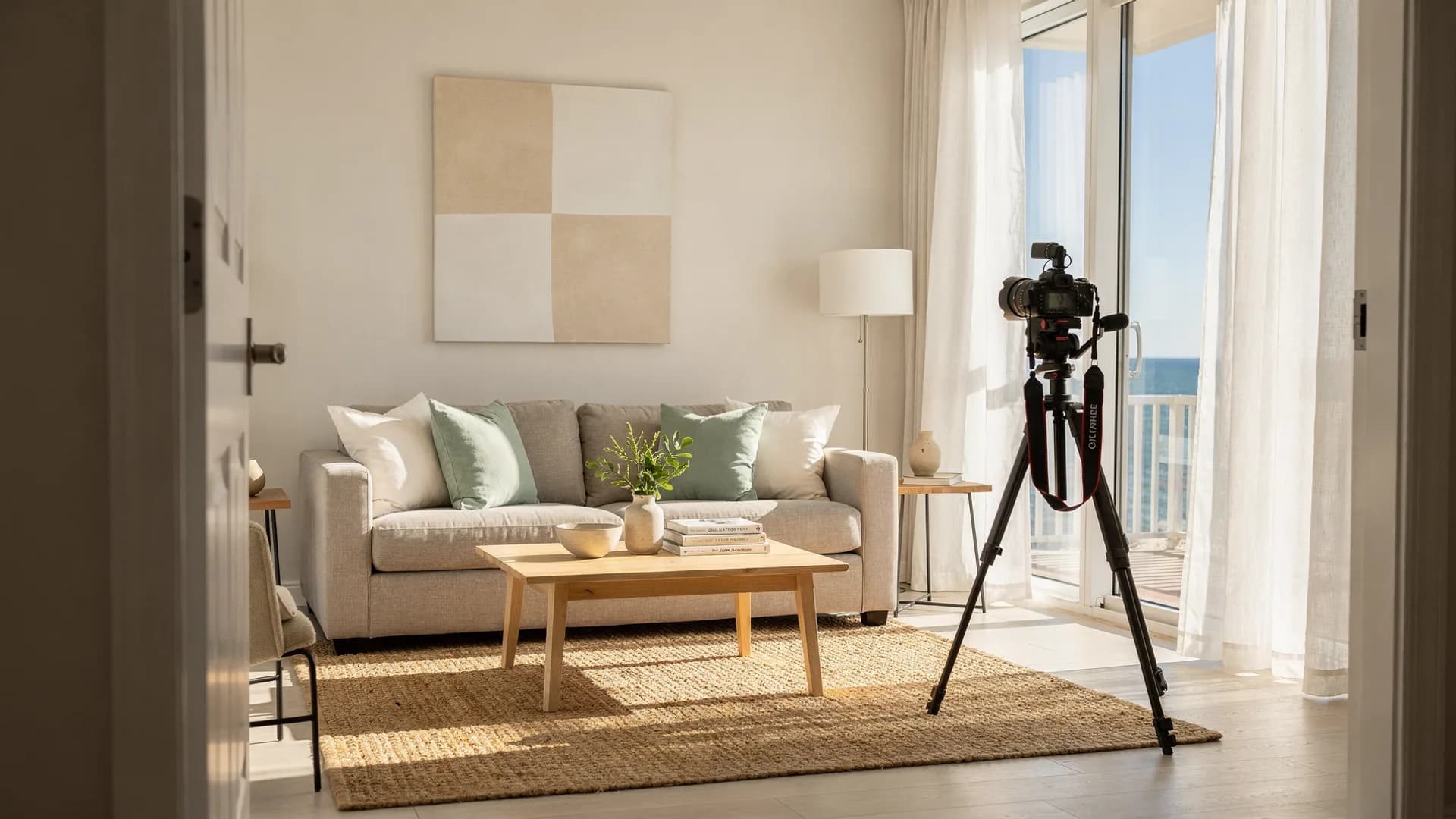
How to Fix Your First Five Airbnb Photos Tonight Without Hiring a Photographer
Your 27th photo can't rescue a weak first impression.
June 3, 2026
6 min
How to Find Why People View Your Airbnb but Don’t Book Without Cutting Your Price First
People are seeing your listing. The harder question is why they leave.
June 25, 2026
7 min
How to Critique Your Own Airbnb Listing in 20 Minutes Without Waiting for Forum Feedback
Experienced hosts keep flagging the same things when they review a listing. Here is a 20-minute pass you can run yourself before you change the price.
October 15, 2026
11 min