Drowning in Airbnb Cancellations? What's Really Going On
Fall Airbnb cancellations piling up? How $0-down bookings, your cancellation policy and hotel comparisons interact, and what you can control this week.
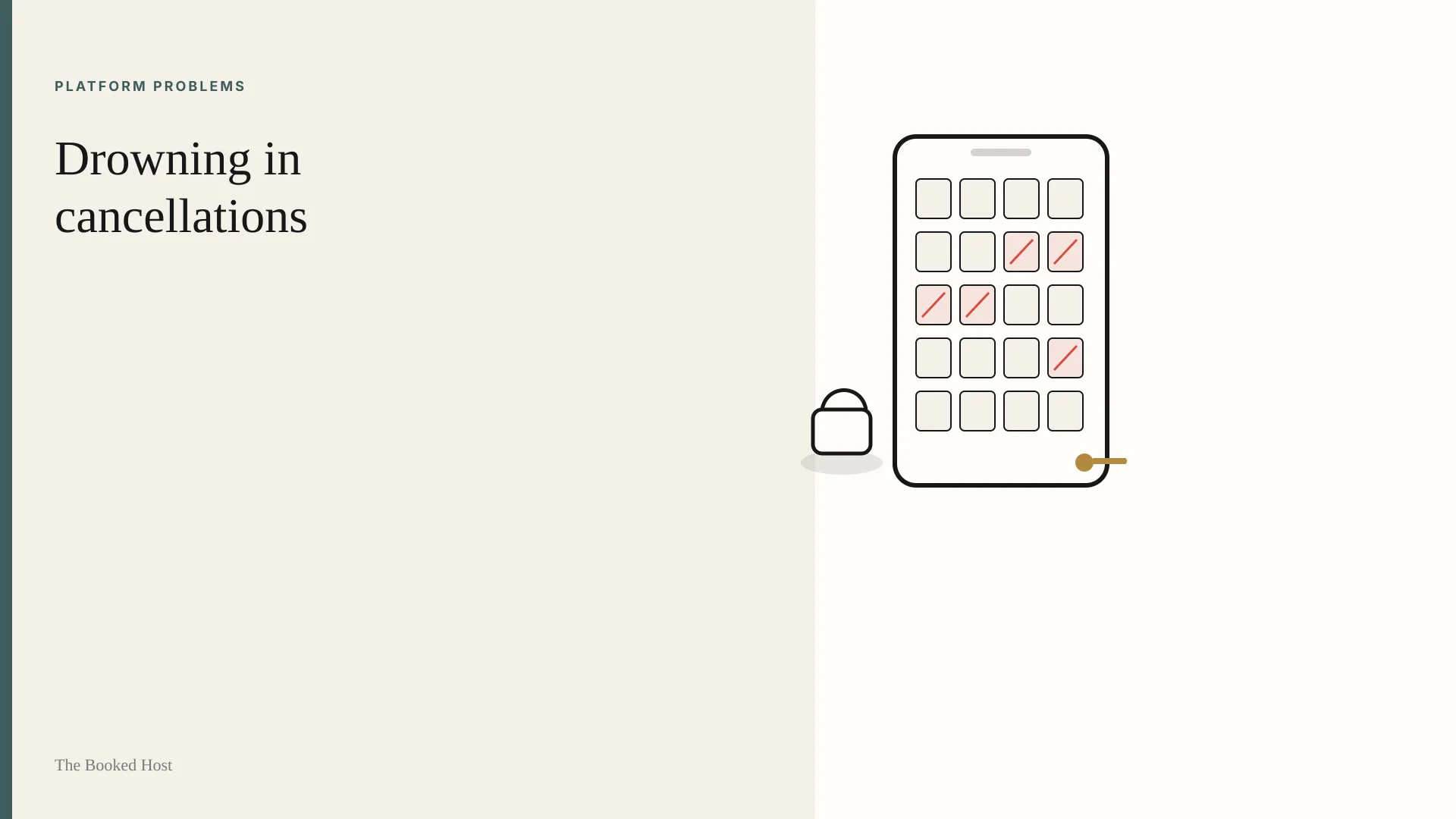
You're not imagining it.
You open the app and there's a cancellation notice. You open it again an hour later and there's another one. October was supposed to be the good month, the one that carries you into winter. Now the calendar looks like someone took an eraser to it.
One host on r/airbnb_hosts summed up the mood in a thread that drew hundreds of replies last week: "for every reservation we get, it seems like there are 2 new cancellations." Another wrote: "I'm in New England and October was booked at about 65% occupancy. Half of those have canceled."
If that's you, the frustration is fair. A cancellation feels worse than an empty night, because you'd already counted that money. So let's separate what's actually happening from the noise, and get to what you can do about it.
Figure
Close-up of a host's phone showing an Airbnb-style "reservation cancelled" notification over a calendar view
What's actually driving the cancellations
There isn't one cause. There are three, and they stack.
1. Booking costs guests almost nothing now
The most upvoted explanation in that thread came down to three words: "zero dollar deposit."
That's not a conspiracy theory. Airbnb's Reserve Now, Pay Later lets eligible guests book with nothing due at checkout. They pay in full shortly before the listing's free-cancellation window closes (Airbnb Help Center). Airbnb says that in Q4 2025, over 70% of eligible bookings used it, and it rolled out worldwide in February 2026 (Airbnb Newsroom).
When booking costs nothing, some guests treat a reservation like a bookmark.
Two facts matter here:
- It only applies to Flexible and Moderate policies. Airbnb's own help article says Reserve Now, Pay Later is "available only for listings with a moderate or flexible cancellation policy" (Airbnb Help Center).
- Your payout terms don't change. Airbnb says the cancellation policy and what you receive on a guest cancellation stay the same. Its argument is that because payment is due before the free-cancellation period ends, "hosts have time to secure another booking" (Airbnb Newsroom). Whether there's enough time in your market is a separate question, and the rest of this guide is about that.
2. Guests are price-sensitive and comparing you to hotels
Hosts in the thread pointed to gas prices and job worries. Guests showed up in the same thread and said something harder to hear: for short trips, many now compare an Airbnb with a hotel and pick the hotel. One wrote that people "hate all the Rules, especially being charged a clean up fee plus being TOLD to clean up before you leave."
You don't have to agree with every guest complaint. But a guest with no money down has nothing stopping them from switching.
3. Some of it is seasonal
One host admitted they'd had about seven cancellations last October too. Fall plans are fragile. That doesn't make this year's losses smaller, but one bad week isn't proof your listing is broken.
What you actually control
You can't change the economy or Airbnb's payment options. You can change how exposed you are to them.
Step 1: Decide on your cancellation policy on purpose
This is the biggest lever, and it's a real trade-off, not a free win.
As of today, Airbnb's standard policies for stays under 28 nights include (Airbnb Help Center):
| Policy | Full refund if guest cancels… | Reserve Now, Pay Later? |
|---|---|---|
| Flexible | Until 24 hours before check-in | Yes |
| Moderate | Until 5 days before check-in | Yes |
| Limited | Until 14 days before check-in | No |
| Firm | Until 30 days before check-in | No |
A few things the thread got wrong or left out:
- "Just switch to Strict" isn't available to most hosts. Airbnb now lists Strict and the Super Strict policies as "only available to certain hosts by invitation." If you already have Strict, you're grandfathered in. If you don't, Limited and Firm are your options.
- Every policy includes a 24-hour free cancellation window for stays booked at least 7 days before check-in. No setting removes that.
- A tighter policy may mean fewer bookings. One host said that moving from Moderate to Limited felt like it "caused the algorithm to bury our listing." We can't verify that. Airbnb doesn't publish how cancellation policy affects ranking. But fewer guests will commit to a 30-day window than a 5-day one. Test it on purpose rather than flipping back and forth in a panic.
A practical middle path: keep your usual policy, but add Airbnb's non-refundable option. That gives guests who are sure a discount in exchange for no refund (still subject to the 24-hour window). The committed guests self-select, and the browsers keep the flexible rate.
Step 2: Check that the calendar you're protecting is the right one
Before you change policy, look at when the cancellations happen:
- Mostly 15–30 days out? Those are guests using the free window as intended. A Limited or Firm policy targets exactly this.
- Mostly within 24 hours of booking? That's the universal 24-hour window. Policy won't fix it. Accept the churn.
- Mostly last-minute? Read the messages first. Airbnb can override any policy for a covered event (Airbnb Help Center).
Step 3: Remove the reasons guests switch to a hotel
Guests in that thread said exactly what tipped them toward hotels. Some of it is cheap for you to fix:
- Cut the checkout chore list to the essentials (dishes in the dishwasher, trash in the bin). Several guests singled out "stripping beds" plus a cleaning fee.
- State checkout rules clearly in the listing, not just in the house manual. One guest complained about demands "not disclosed until well after booking."
- Compare your total price for a two-night stay with a comparable nearby hotel. Airbnb says its search weighs a listing's total price, fees included, against similar listings (Airbnb Resource Center).
- Lead with what a hotel can't offer: a full kitchen, separate bedrooms, outdoor space, room for a family.
Step 4: Have a refill plan before the next cancellation arrives
When dates reopen 10–20 days out, you're selling to a different guest: someone deciding fast, often on their phone, comparing your listing with a handful of others and a hotel or two.
- Short-notice pricing: decide in advance how much you'll drop for reopened dates. Do it once, calmly, rather than at 11 p.m. after the notification.
- Relax the minimum stay for gaps. A two-night gap with a three-night minimum is a guaranteed zero.
- Consider a mid-term guest for the slow months. One New England host said they "saw writing on September wall and booked a Furnished Finder guest for Q4." Monthly stays come with their own long-term cancellation rules (Airbnb Help Center).
- Make the first impression do its job. A last-minute shopper won't read your description. They'll decide from your first few photos.
Figure
Side-by-side of the same living room photographed on an overcast afternoon, dim on the left, brightened and color-corrected on the right with every object identical
Where photos fit (and where they don't)
Photos won't stop someone cancelling because gas went up. But they matter twice in a cancellation-heavy season.
First, refilling. Airbnb says high-quality photos "help attract guests' attention and improve engagement, which can improve ranking" (Airbnb Help Center). A dim, grey thumbnail is a weak entry in a fast comparison.
Second, trust. Some guests in that thread said they'd switched to hotels partly because of what one called "crappy false advertising of apts." Over-edited photos win the click and then lose the stay. Airbnb's own rules say it will ask hosts to remove content where AI or digital editing was used to hide flaws, add features or misrepresent the space (Airbnb Help Center).
So aim for photos that are brighter, not different. Fix exposure, white balance and the gloomy-day look, and leave the room exactly as it is. You can do that in a phone editor, with a photographer, or with a tool. If you'd like a quick way to see what your current cover photo looks like with honest lighting fixes, you can test one photo with BNB Boost's accuracy-preserving enhancer. Either way, the test is the same: would a guest walking in say "yes, that's the room"?
A one-week plan
- Day 1: Export or list your last 60 days of cancellations with booking and cancellation dates. Find the pattern.
- Day 2: Pick your policy based on that pattern. Turn on the non-refundable option if you haven't.
- Day 3: Trim the checkout list and move key rules into the listing description.
- Day 4: Price a two-night stay against a nearby hotel and two comparable listings.
- Day 5: Set your reopened-date pricing and gap-night minimums so you aren't deciding under stress.
- Day 6: Look at your first five photos on your phone, in daylight, at thumbnail size. Fix the darkest one.
- Day 7: Leave it alone. Measure for two weeks before changing anything else.
The cancellations aren't a verdict on you as a host. You can't control all of it, but you can control how much of it reaches your calendar.
FAQ
Can I opt out of Airbnb's Reserve Now, Pay Later?
Airbnb doesn't describe a separate opt-out switch. It says the option is "available only for listings with a moderate or flexible cancellation policy" (Airbnb Help Center). In practice, choosing Limited or Firm takes your listing out of it.
Is the Strict cancellation policy still available?
Only by invitation. Airbnb lists Strict and Super Strict as available "to certain hosts by invitation from Airbnb" (Airbnb Help Center). Most hosts choosing today will pick between Flexible, Moderate, Limited and Firm.
Does a stricter cancellation policy hurt my search ranking?
Airbnb hasn't published that, and some hosts believe it does. What's certain is that fewer guests will commit to a stricter policy. Change one thing at a time and measure for a couple of weeks.
Will brighter photos reduce cancellations?
No one can promise that, and we won't. Accurate, well-lit photos help you refill reopened dates and set honest expectations. Photos that misrepresent the space can backfire with guests and with Airbnb's rules.
Published October 7, 2026 / 8 min
Related Reading
When Airbnb Changes the Rules, Hosts Eat the Risk
The policy update email ran four paragraphs. The fifth line changed how cancellations worked for every reservation already sitting on a host's calendar.
March 11, 2026
6 min
The Empty Calendar Spiral
Checking turns into comparing, tweaking, discounting, and wondering whether you made a mistake.
June 21, 2026
6 min

Before You Lower Your Airbnb Price Again, Read This
Price cuts feel like action. Sometimes they're just panic wearing a math costume.
June 28, 2026
7 min